 SearchChamp
Verify your domain
Prove you own your site so SearchChamp can pull your real data and run audits against it.
Before SearchChamp can audit your site or pull your Search Console and Analytics data, it needs to confirm you own the domain. Verification happens when you add a site, and you can always check a site's status in its settings.
What you'll need
- A site added to your workspace and access to prove ownership (through your connected Google account or your DNS/site).
Steps
Open Site Settings
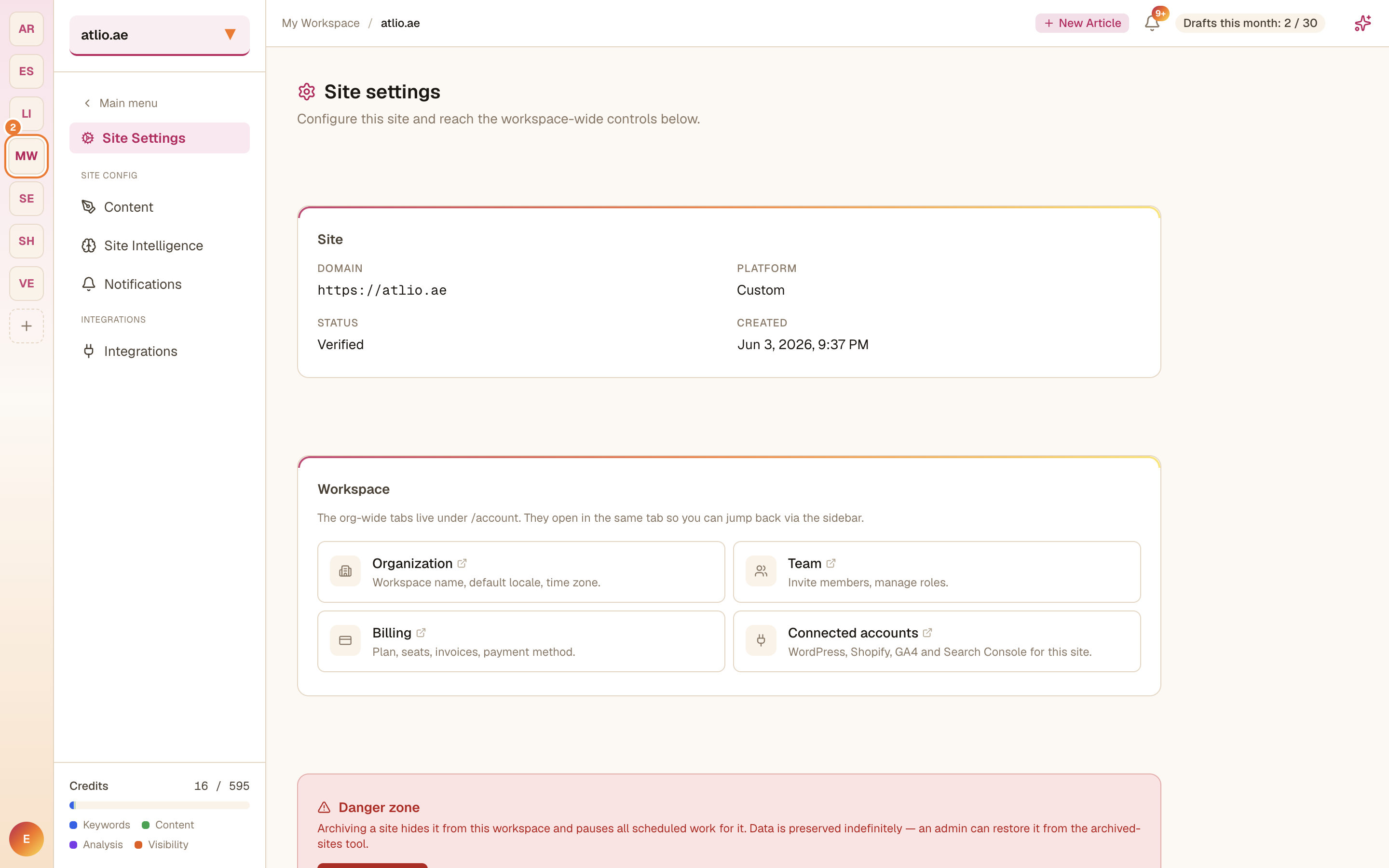
Go to Settings → Site Settings. The Site panel shows this site's domain, platform, verification status, and when it was created.
Check your status
A Verified status means SearchChamp can pull data and run audits for this site. If a site still shows as unverified, complete the verification step prompted when the site was added — connecting Google Search Console for the domain is the quickest way to confirm ownership.
Once verified, connect your data
With the domain verified, connect your data sources so the product works with real numbers.