 SearchChamp
Integrations
Connect Google Analytics 4
Link GA4 so SearchChamp can rank your pages by real traffic and business impact.
Connecting Google Analytics 4 streams your pageviews, conversions, and revenue into SearchChamp, so the agents can rank pages by actual business impact — not just search position.
What you'll need
- A verified site and a Google account with access to the site's GA4 property.
Steps
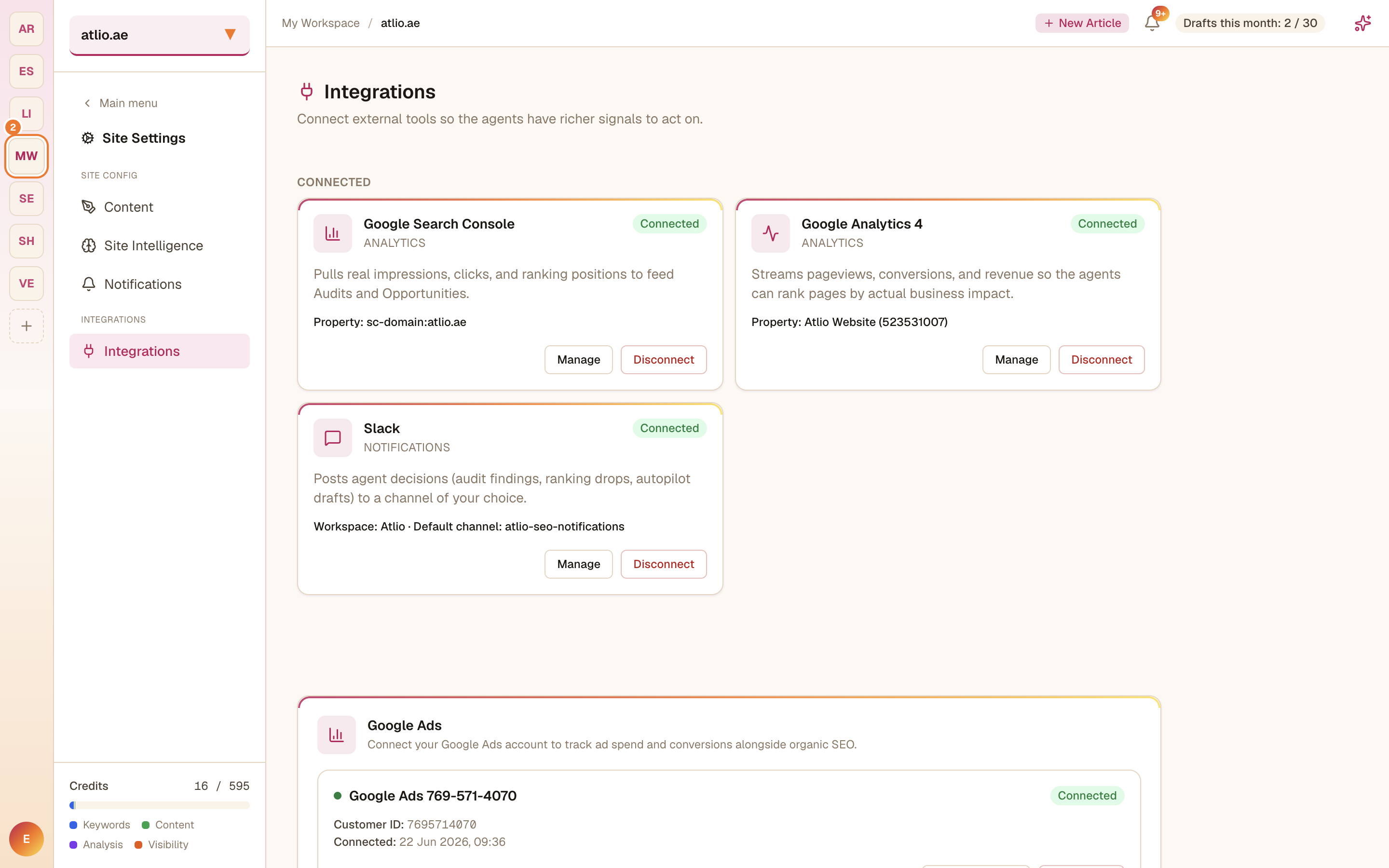
Authorize and select your property
Connect and sign in with Google, then choose the GA4 property for this site. The integration then shows the connected property with Manage and Disconnect controls.
Confirm it's working
Open Google Analytics 4 under Analyze in the sidebar — you should see sessions, users, pageviews, and engagement.