 SearchChamp
Integrations
Publish to WordPress
Connect WordPress so you can publish finished drafts straight from SearchChamp.
Connecting WordPress lets you send a finished draft live to your site in one step from the Content Writer — no copy-pasting or reformatting.
What you'll need
- Admin access to the WordPress site you want to publish to.
Steps
Open Integrations
Go to Site Settings → Integrations and find WordPress. If it isn't connected yet, it shows Connect your WordPress site.
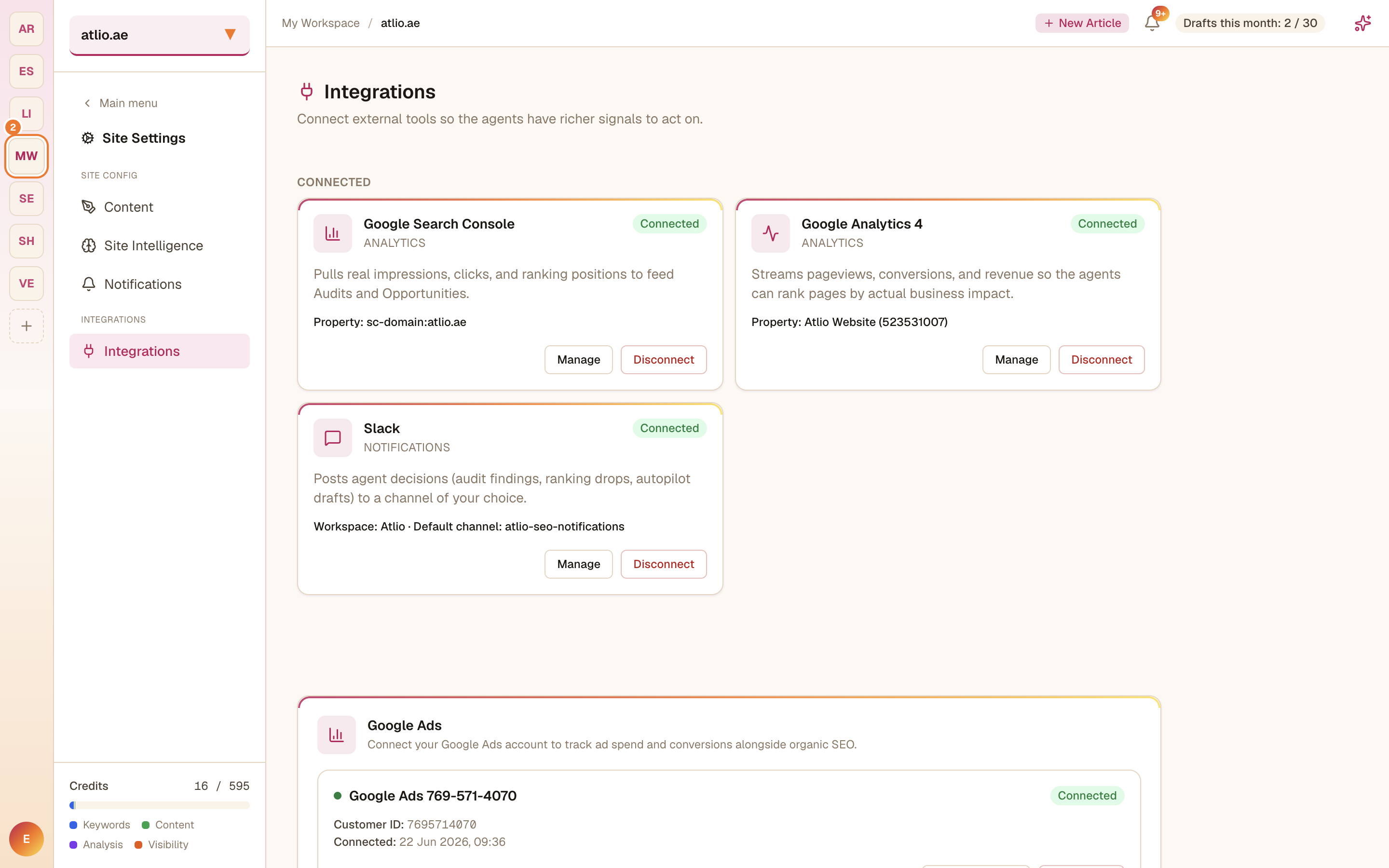
Connect your site
Start the connection and follow the prompts to link your WordPress site to SearchChamp. Once connected, WordPress becomes a publish destination for this site.
Publish from Content
In the Content surface, open a draft that's Ready for review, Preview it, and Publish to send it to WordPress.