 SearchChamp
Analyze your competitors
Track competitor domains, compare their SEO and AI visibility, and deep-dive the pages you're up against.
You can't out-rank what you don't understand. Competitive Analysis lets you track competitor domains, compare their SEO and AI-visibility metrics against yours, and pull apart a specific competing page to see exactly why it wins — so you know what to beat.
What you'll need
- A connected site and the domains of the competitors you want to track.
Steps
Open Competitive Analysis
In the left sidebar under Discovery, select Competitive Analysis. The My Competitors view lists the domains you track with each one's competition level, keyword overlap, estimated monthly traffic, and top keywords.
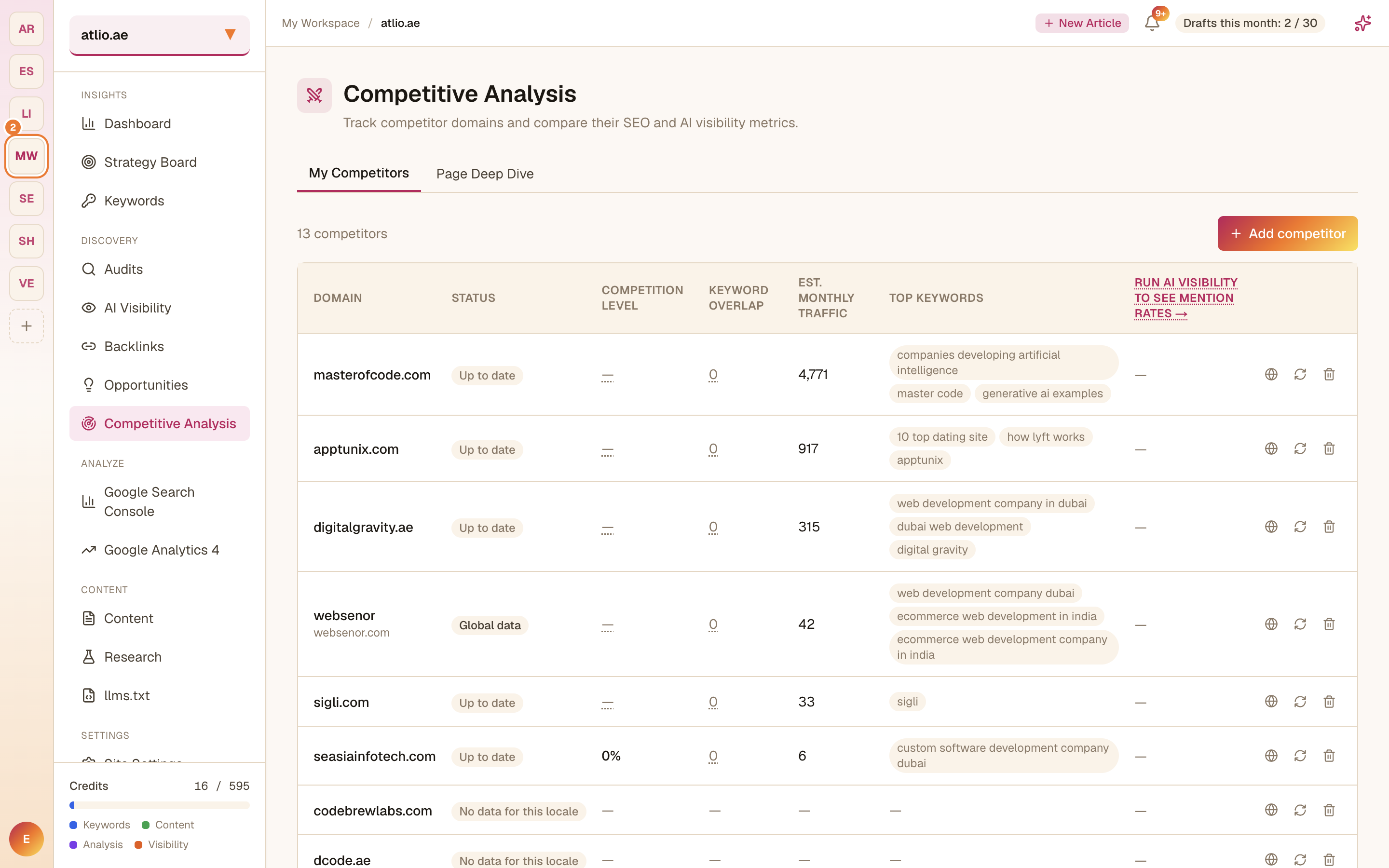
Add a competitor
Select Add competitor and enter a domain to start tracking it. SearchChamp enriches it with keyword and traffic estimates so you can compare it against your site.
Deep-dive a page
Switch to Page Deep Dive, paste a page URL to analyse, and select Analyse page. SearchChamp breaks down that page so you can see what it's doing to rank. Your recent analyses stay listed so you can revisit the results.
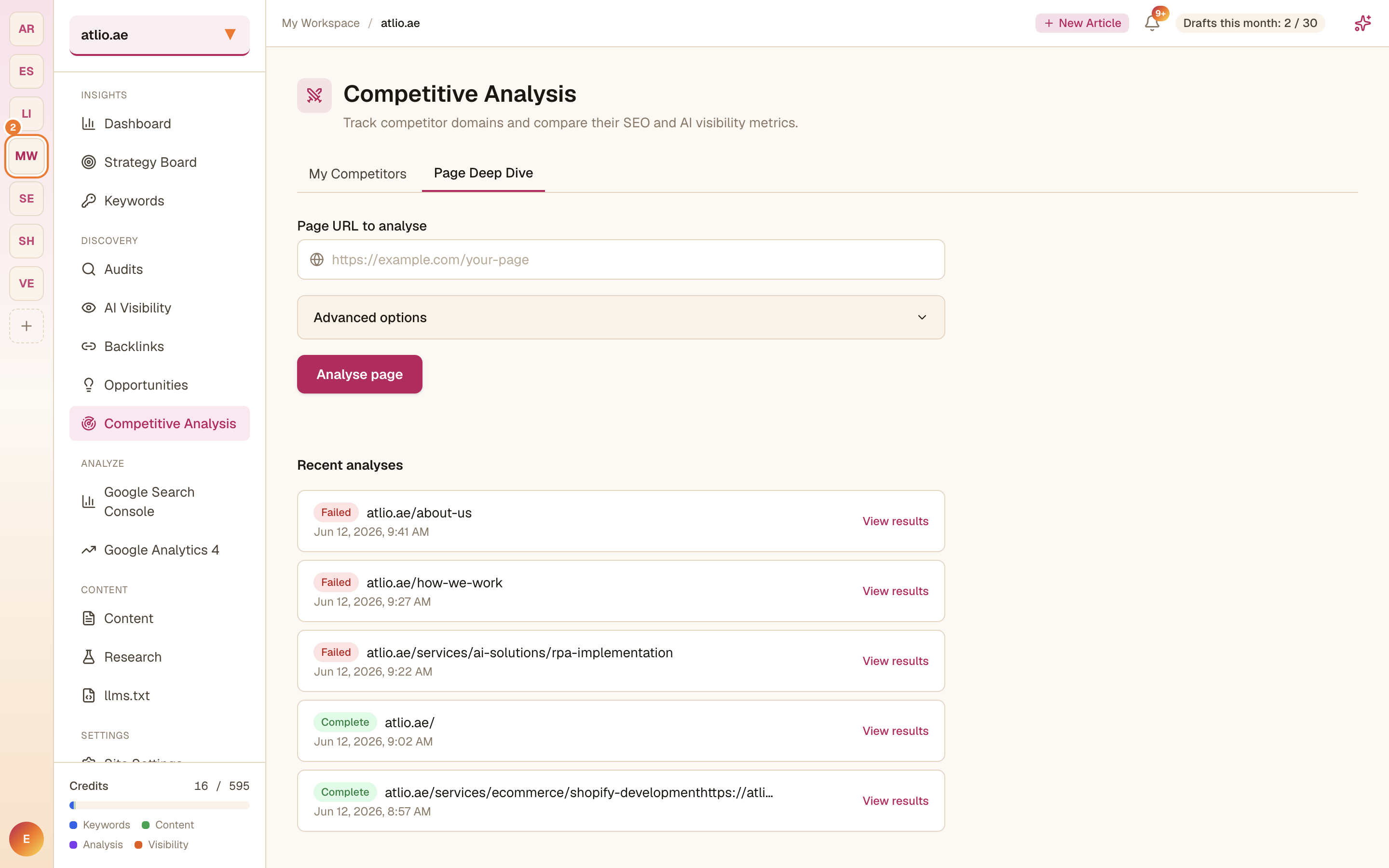
A page deep-dive is a multi-stage analysis and consumes Competitive Analysis credits, so run it on the pages that matter most.
Discover new competitors
Use Discover Competitors to let SearchChamp surface rivals you may not be tracking yet, then add the ones worth watching to your list.