 SearchChamp
Feature Reference
Notifications
Actionable alerts from your agents and how to manage them.
The Notifications center (the bell in the top bar) collects actionable alerts from across the product so nothing important slips.
Reading your notifications
Notifications are grouped into Unread, All, and Archived, and each one shows its type and when it arrived — for example a critical audit issue, a research session that's ready, or a draft ready for review. Items that need action are flagged Needs you. Use Mark all read to clear the count.
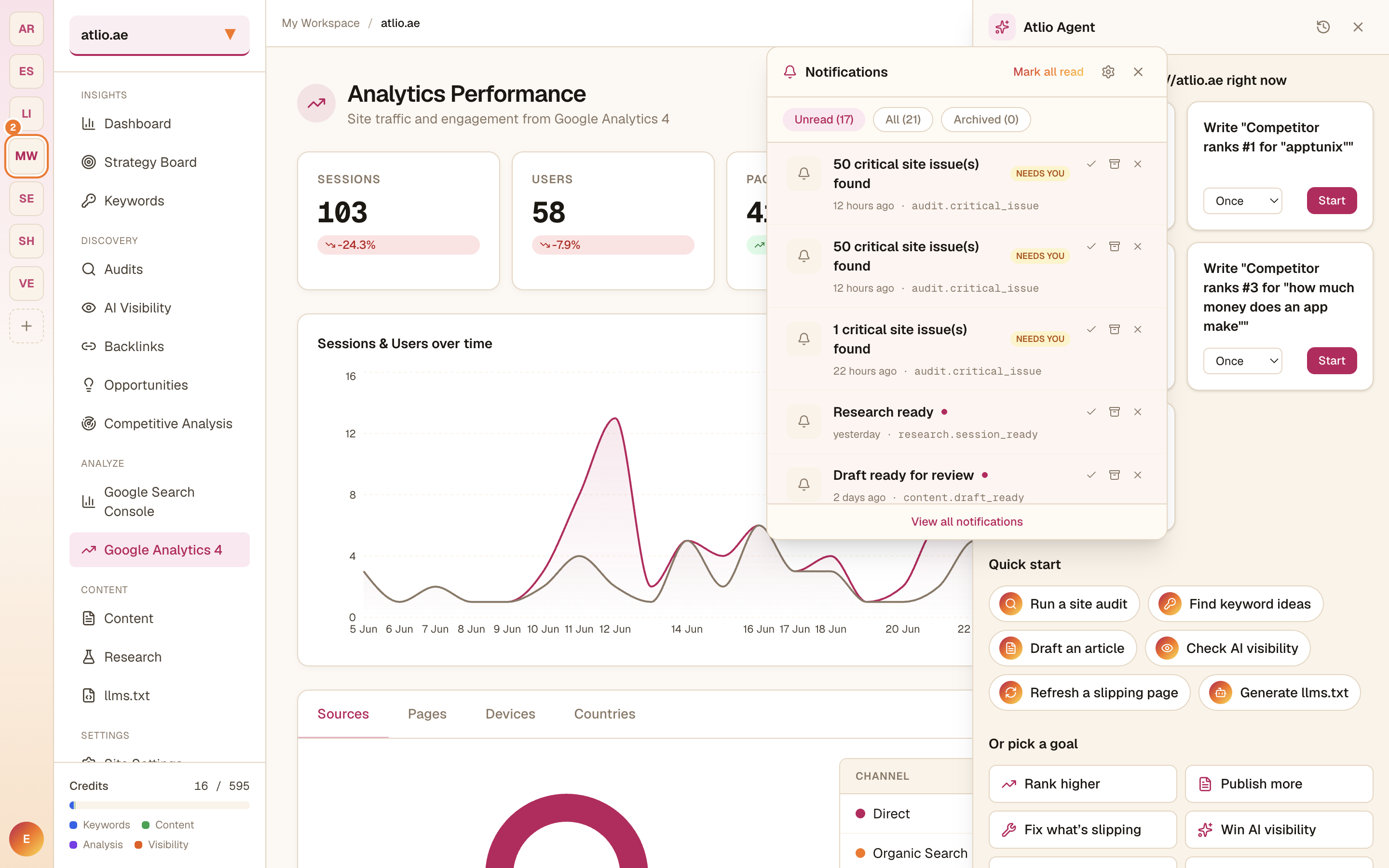
You control which events notify you (and through which channels, like Slack or email) from the Notifications settings for your site.