SearchChamp
Feature Reference
Workspaces, brands & sites
How SearchChamp's workspace → brand → site hierarchy works.
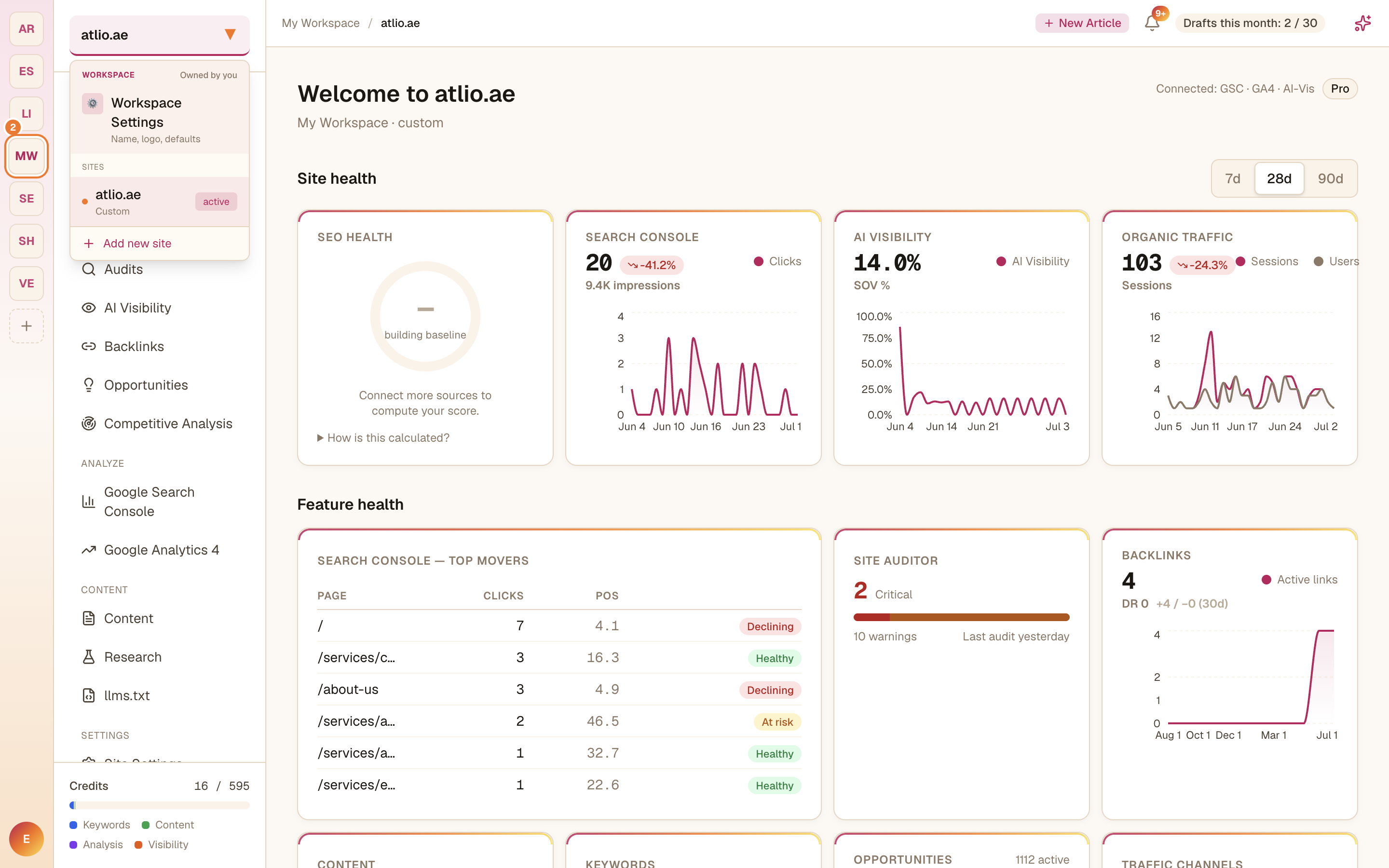
SearchChamp organizes your work into three levels: a workspace holds one or more brands, and each brand holds one or more sites. Most features are scoped to the site you have selected.
Switching and adding
The far-left rail lists your workspaces — select one to switch, or Add new workspace to create another (useful for separate clients). The site switcher at the top of the sidebar lists the sites in the current workspace, with Add new site to bring in a new domain and Workspace Settings for the workspace name, logo, and defaults.